
Searching Cases by Name
When the case number is unknown, open Search ARCourts and use the participant search. Type a precise last name and first name. For a business, the organization field fits better. A descriptive caption can go in the case-description box. Names get shared, abbreviated, and spelled more than one way, so check any Sebastian County result against its court and filing details before trusting it.
- Choose the participant or organization search that fits the caption.
- Enter the most accurate name information available.
- Filter by Sebastian County, court location, type, or date when offered.
- Open a likely result and compare the full header before reading activities.
The Sebastian County public interface can change over time. Trust the labels on the live screen, not an older CourtConnect layout you remember.
| Field label | Type | Required | Notes |
|---|---|---|---|
| First Name | Text | Unspecified | Participant search field |
| Middle Name | Text | No | Can help separate similar results |
| Last Name | Text | Unspecified | Use accurate spelling |
| Organization or Case Description | Text | No | Useful for a business or descriptive case style |
| Court or Location | Filter | No | Narrow to Sebastian County and the correct court |
Sebastian County Case Search Modes
Search ARCourts replaced Public CourtConnect. The visible public interface offers participant searching. Official help also describes case, date, and judgment paths carried over from the older system. Sebastian County results can be narrowed and opened into full case details. Which mode fits depends on what you already know. That could be a person or organization, a complete case number, a filing date, or another court fact. The official Search ARCourts help and transition notice documents the statewide search route.
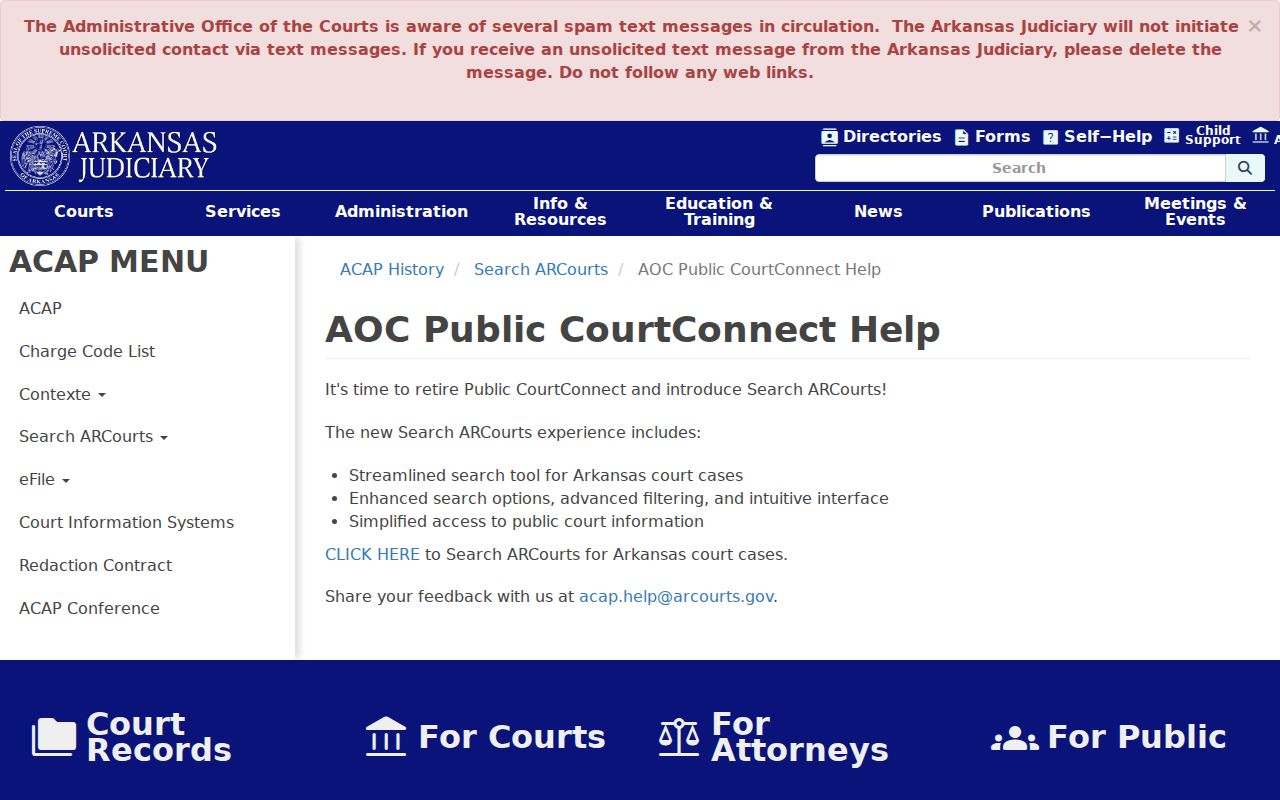
That official help page confirms the statewide platform replaced the legacy public service. Screen controls may shift, but the match-and-verify method still holds.
Searching by Case Number
An exact number is the fastest Sebastian County case search key. Keep every part. That means the prefix, court code, year, sequence, and any Fort Smith or Greenwood marker. Public formats include three examples. 66FCR-25-321 is for Fort Smith Circuit criminal. 66GCR-25-321 is for Greenwood Circuit criminal. 66FCV-23-1080 is for Fort Smith Circuit civil.
Enter the number exactly as the Sebastian County court presents it. Never quietly change a code that looks odd. Sebastian County's published imaging instructions label one pattern “Criminal Court Case Format.” The printed prefix begins with CV. If no public result appears, test the punctuation and verify the court level and district. Then ask the clerk to confirm the identifier.
Sebastian County Case Search Match
A solid Sebastian County match rests on four details: case number, caption, court, and filing date. A shared name alone proves little. Location matters more here than most places, because Circuit Court runs in two judicial districts and the limited-jurisdiction courts do not share one countywide clerk.
Match before reading: Confirm the number, caption, court, and filing date, then open the activity history and newest events.
Case type and status add their own checks. A felony should never be mistaken for a District Court misdemeanor. A Fort Smith civil series does not move to Greenwood just because a party now lives there. The filing header, not current residence, identifies the court record.
What a Case Search Returns
A Sebastian County case search result can open into a detail view with the case summary, participant roles, public docket entries, scheduled events, and case-specific fields. Criminal results may show offenses, sentences, and milestone tracks. Civil results commonly carry a summary, participants, and docket entries. A document cell may name a document, show “WEB,” or state that none is available.
| Case Number | The full court identifier and judicial-district series. |
|---|---|
| Style or Parties | The caption and public participant roles used to identify the proceeding. |
| Case Type | Criminal, civil, domestic, probate, juvenile, or District Court category where public. |
| Filed Date | The date the clerk accepted the initiating paper. |
| Status | A broad label such as open, closed, disposed, reopened, or appealed. |
| Activities | Dated filings, notices, hearings, orders, and other recorded events. |
Not every field shows up in every Sebastian County case. Restrictions and court practice shape both detail and image access.
Sebastian County Case Search Filters
Filter by Sebastian County court location before trusting any result. Circuit Court handles felonies plus major civil, domestic, juvenile, and probate cases. Fort Smith District Court covers limited-jurisdiction matters inside Fort Smith. Greenwood District Court holds county District Court records except Fort Smith, Barling, and Central City. Those excluded places use their own court channels. The Arkansas Judiciary district-court directory helps identify the official Sebastian County courts and contacts.
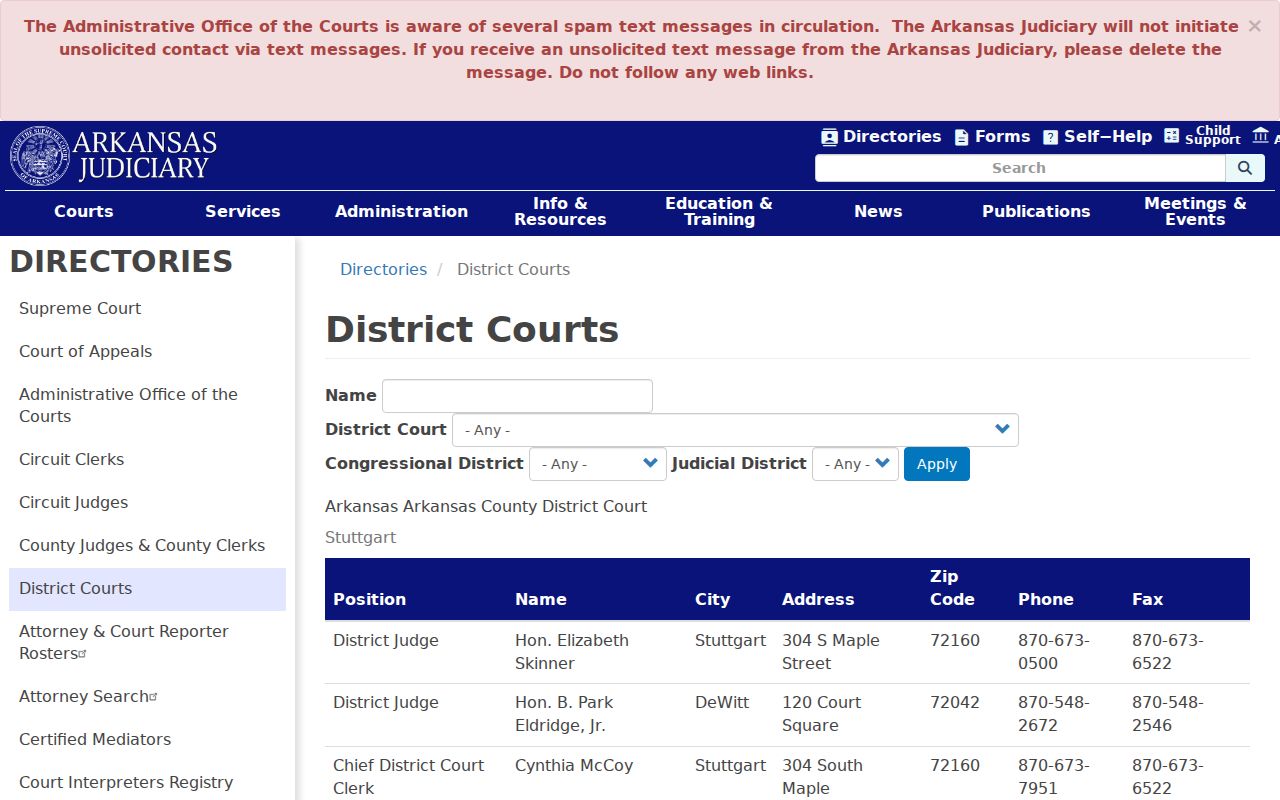
The directory supports a vital step in any search: find the court first, then use that location to narrow a common-name or multi-result hunt.
Sebastian County Case Image Search
Sebastian County runs a separate imaging interface beside the free statewide case-information portal. It needs an iSeries username and password supplied by the county. The user picks an Index Class and enters criteria. Then the image tied to a result opens. All indexed data is uppercase, and the search is case-sensitive. The Sebastian County instructions allow wildcards such as CV-2010*, which helps with a known series. The gate keeps it from being a public fallback. If an activity shows in Search ARCourts without an image, contact the correct clerk. Visit the counter or use a courthouse kiosk. Ask for the specific filing by case number and activity date.
Statewide vs County Case Search
The statewide and county tools work at different layers. Search ARCourts is the free public case-information search. Sebastian County's imaging system is a credentialed document-image index. Neither replaces the clerk's certification service, and public access to an entry does not promise access to the filed image.
| Search ARCourts | Sebastian County imaging | Clerk or kiosk |
|---|---|---|
| Statewide public case information | County image index with credentials | File location and public copy help |
| Name, organization, number, and filters | Index Class, uppercase criteria, wildcard support | In-person, phone, and confirmed mail route |
| Best first stop | Best for authorized image access | Best when details conflict or certification is needed |
Use the tools as a chain: search, confirm, then request the exact record. That habit keeps a portal screen from standing in for the complete court file.
Sebastian County Case Search Gaps
A blank result is not the end. It does not mean a Sebastian County case search was wasted. Names get misspelled in court records, so try other spellings. Case numbers also arrive in more than one punctuation pattern. Or the matter sits elsewhere. It may be with the other judicial district, a District Court, Barling, or Central City rather than the office you searched. Older inactive Fort Smith files often live at Parker Annex instead. Some records are sealed or juvenile. Others are restricted from public view.
- Check spelling, punctuation, and the full number.
- Try the other relevant court location or level.
- Search by number instead of name when possible.
- Call the correct clerk division with the known details.
- Use a Fort Smith or Greenwood courthouse kiosk or visit the records counter.
A missing result proves nothing. No public hit in a Sebastian County docket search is just that: a search outcome, not evidence that no case exists or that an old case was erased.
Sebastian County Case Search Kiosks
Arkansas Courthouse Kiosk lists public-access stations at both Sebastian County Circuit Clerk locations. In Fort Smith, the counter sits at 901 South B Street, Room 205. The Greenwood counter is at 301 East Center, Room 103. The web interface can fail. It can also feel hard to navigate. A kiosk then gives you a second way into public case information. A kiosk still cannot override a restriction or promise that every image is there. Clerk staff can identify a file and walk you through plain and certified copy options. Older inactive Fort Smith records may sit elsewhere. The Parker Annex Records Office at 40 South 4th Street may hold them. Call 479-784-1581 before you travel to an older-record location.
Sebastian County Older Case Search
Public search and local imaging channels grew out of different eras of court technology. Sebastian County's imaging guidance treats older image access as its own category. Search ARCourts replaced Public CourtConnect after a January 2024 soft launch. Before that, e-filing had become mandatory in Circuit divisions in August 2023. That history has a result. An activity, an image, and a stored paper file can fail to line up in any single interface. Keep the exact case number handy. Note the activity date. Then ask where the document physically resides. For an older inactive Fort Smith case, Parker Annex may be the practical route. For an active Circuit file, the route differs. Go to Room 205 in Fort Smith. Or use Room 103 in Greenwood.
Access and Restricted Cases
Arkansas court-record access runs on Administrative Order 19. Search results strip out protected identifiers. They may omit sealed cases, juvenile matters, adoption records, protected family content, or anything a court order restricts. E-filing falls under Administrative Order 21. Filing electronically never turns confidential material into public material. The Arkansas administrative orders spell out the governing judicial rules. Statutes add their own limits. These include the Comprehensive Criminal Record Sealing Act and juvenile confidentiality provisions, both readable through the Arkansas Code. Access turns on the record itself and your lawful authority. Holding a case number alone is not enough. If a result you once saw vanishes, confirm with the clerk. Public-search behavior alone tells you nothing about a disposition or a deletion.
Sebastian County Case Search Documents
Case details and filed documents are separate layers. The activity list may show that a complaint, motion, notice, or order was filed. The document itself holds the substance. A certified copy is a third layer, produced and attested by the clerk, and only that layer counts as clerk certification.
- Case detail
- Public header, status, parties, activities, and events.
- Docket entry
- A dated index line for a filing, order, or court event.
- Document image
- The filed paper when electronic viewing is allowed.
- Certified copy
- A clerk-attested copy for official use.
No image in the document cell? Call the clerk who keeps the file, and give the complete case number plus the entry date or title so staff can pull the right item.
Confirm Sebastian County Case Search Results
Close out a Sebastian County case search by reading the activities in order. Find the newest setting, disposition, and post-judgment entry. A motion is not an order, and a notice is not proof a hearing happened. A broad status label never substitutes for the judgment itself, so the full sequence matters. For a current court date, call the assigned division. Or see the Sebastian County court calendar process. For a certified record, contact the clerk that holds the original file. Each channel solves a different piece of the lookup. Search ARCourts, county imaging, kiosks, phone help, clerk counters, and confirmed mail requests each play a role.